Changing the name of already made Heroku app??
Step 1: This step will create an app with some arbitrary name
$ heroku create
Step 2: This step will show the url of the remote servers that you have config.
$ git remote -v
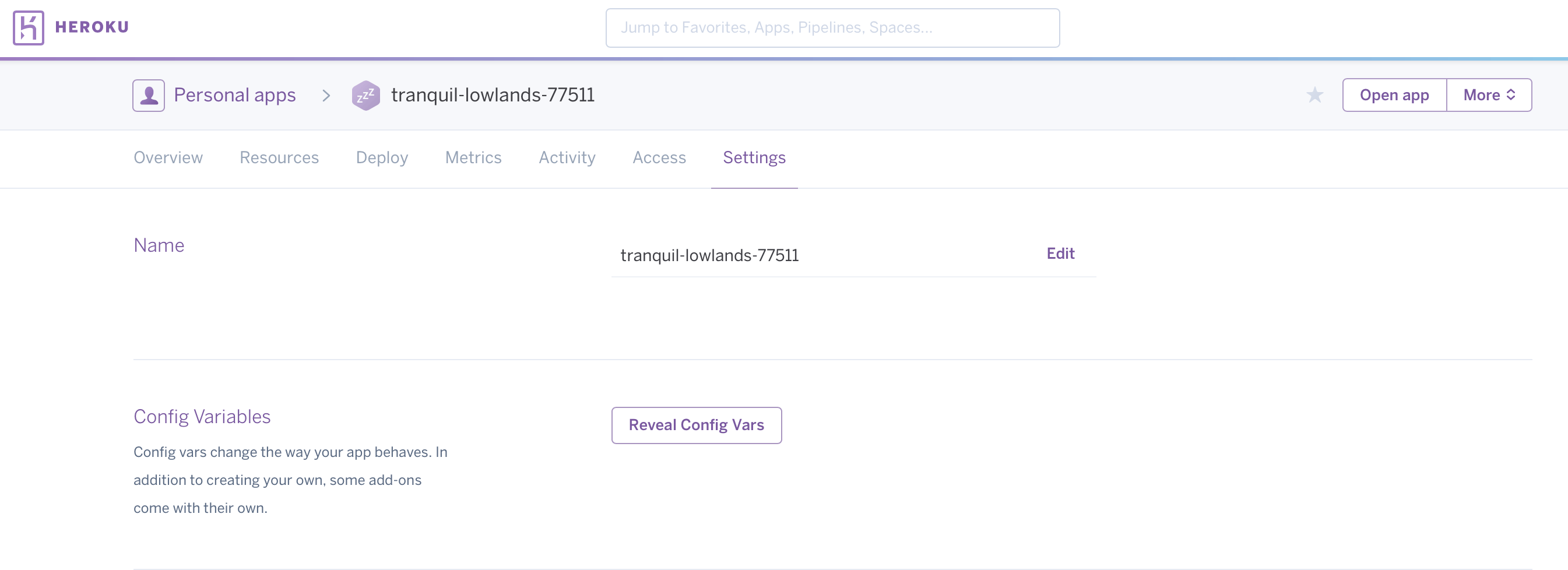
Step 3: In this step go to your app on heroku and rename it there from settings of the app and save the newname. Now come back to the terminal and continue with the following steps.
Step 4: In this step we will add a new remote config to our new app.
$ git remote add heroku git@heroku.com:newname.git
here newname is the new name that you want to set and dont forget to add .git after name.
Step 5: In this step we will recheck if the remote url is changed.
$ git remote -v
Step 6: In this step we will push our app to heroku.
$ git push heroku master
And now it is done.
Hope it helped.

 ADDITIONAL KNOWLEDGE
Leave a comment